
Documentation Recovery / Installation System for mPro400GC S169372
S169372-103en.doc
Software manual
Page 1
Contents
Topic

Page
1 Overview
2 Prerequisites
2.1 Creating the Recovery / Installation USB stick
3 Starting the Installation System
4 Available Options
4.1 Restore previous software version
4.2 Reinstall CF Card
4.3 Reinstall System Partition (and delete installed software package)
4.4 Reinstall System Partition (without deleting software package)
4.5 Restore Factory Default Parameters
4.6 Update Boot loader ..................................................................................................................... 5
4.7 Reboot .......................................................................................................................................... 5
Software S169372-103
S169372-103en.doc Software manual Page 2
1 Overview
| Remark | |
|---|---|
| Version | S169372-103 |
| Languages | English |
| Functions | Installation of the internal CF-Card to get a bootable system |
2 Prerequisites
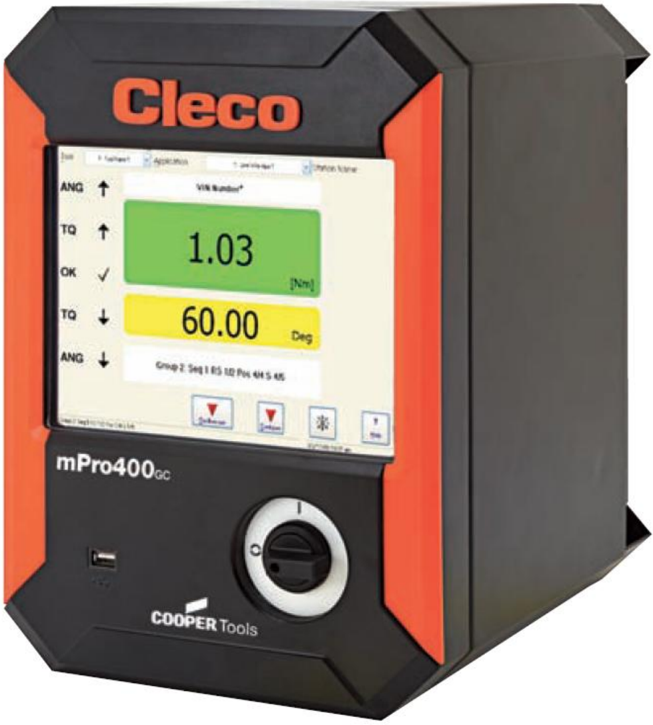
This software works only on an mPro400GC controller. The software must be copied onto a (preferably blank) USB stick. A USB keyboard must be connected to the controller.
2.1 Creating the Recovery / Installation USB stick
To make USB stick bootable, unpack the contents of the provided zip-file onto the root folder of the stick.
After unpacking, it should look like this:
S169372-103en.doc
Software manual
Page 3
3 Starting the Installation System
To start the installation system, an empty CF card must be inserted and the USB stick must be connected to one of the USB ports.
Switch on the Controller, and it boots from the USB stick.
After that, you will see the menu described below:
4 Available Options
Restore previous software version
If something went wrong with the last software installation, the last backup can be restored by using this option.
Reinstall CF Card
With this option, the internal CF card will be partitioned and formatted. After that, the default software version will be installed
This option should be used with CF cards bigger than 128 MB.
The previously installed mPro Software, Parameters and Rundown data will be deleted!
Reinstall System Partition
With this option, the default software will be installed on the first partition of the CF card. All data stored on the second partition (e.g. Rundown data and Parameters) will stay on the controller. Besides that, the parameters of the current mPro software will be restored. After that, the mPro software has to be re-installed.
Reinstall System Partition (without deleting software package)
With this option, the default software will be installed on the first partition of the CF card. All data stored on the second partition (e.g. Rundown data and Parameters) will stay on the controller. Besides that, the parameters and the current mPro software will be restored.
S169372-103en.doc
Software manual
Page 4
Restore Factory Default Parameters
All Parameter Changes will be reverted to Factory Defaults provided with the software package.
Update Boot loader
The latest Boot loader software will be flashed into EEPROM.
4.7 Reboot
After selecting this option, the system should be restarted.
S169372-103en.doc Software manual Page 5